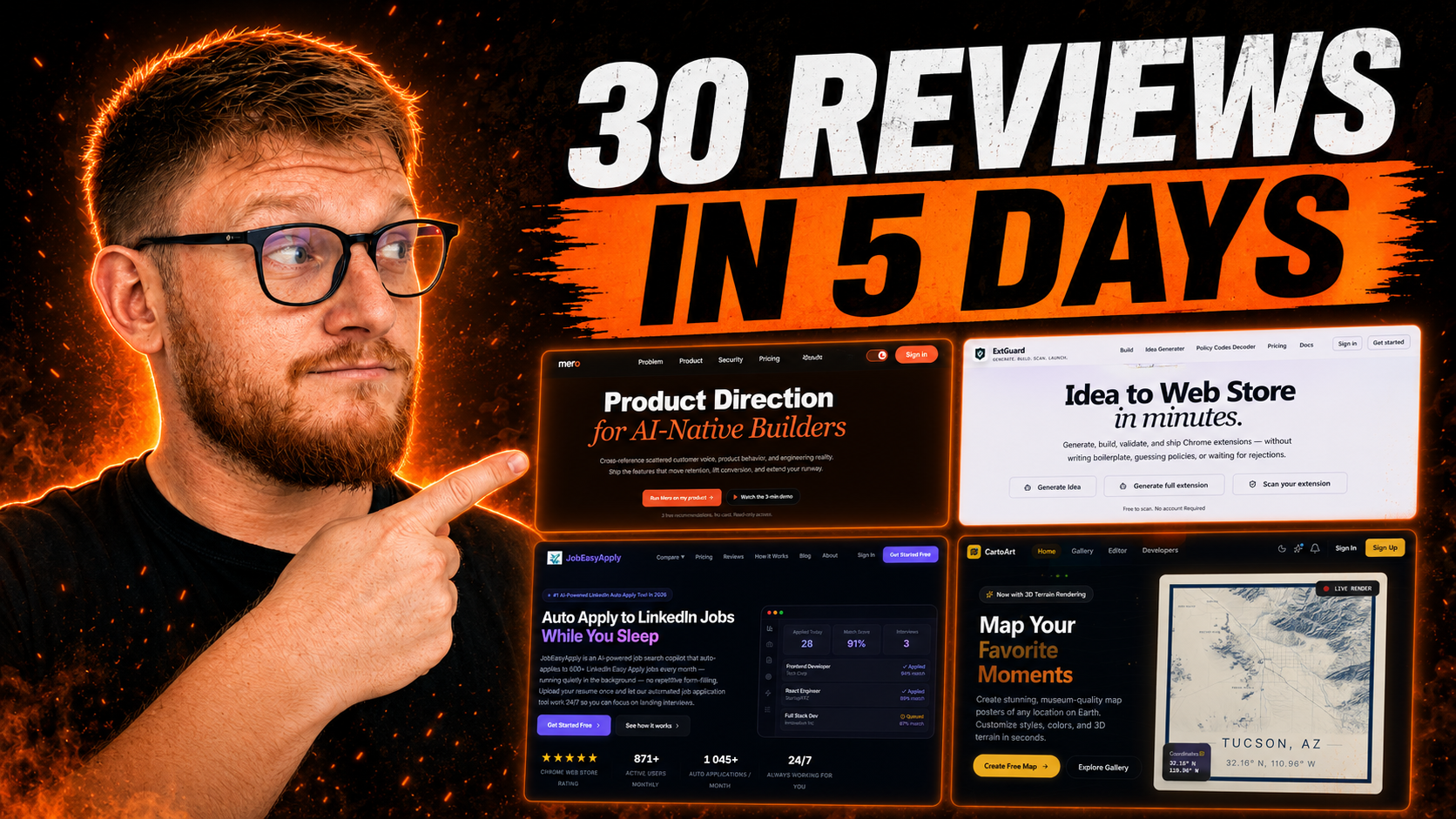

AI builders can put a landing page live in an afternoon. Lovable, Bolt, v0, Claude. The pages look finished. Then you share the link on LinkedIn and the preview is a blank grey box.
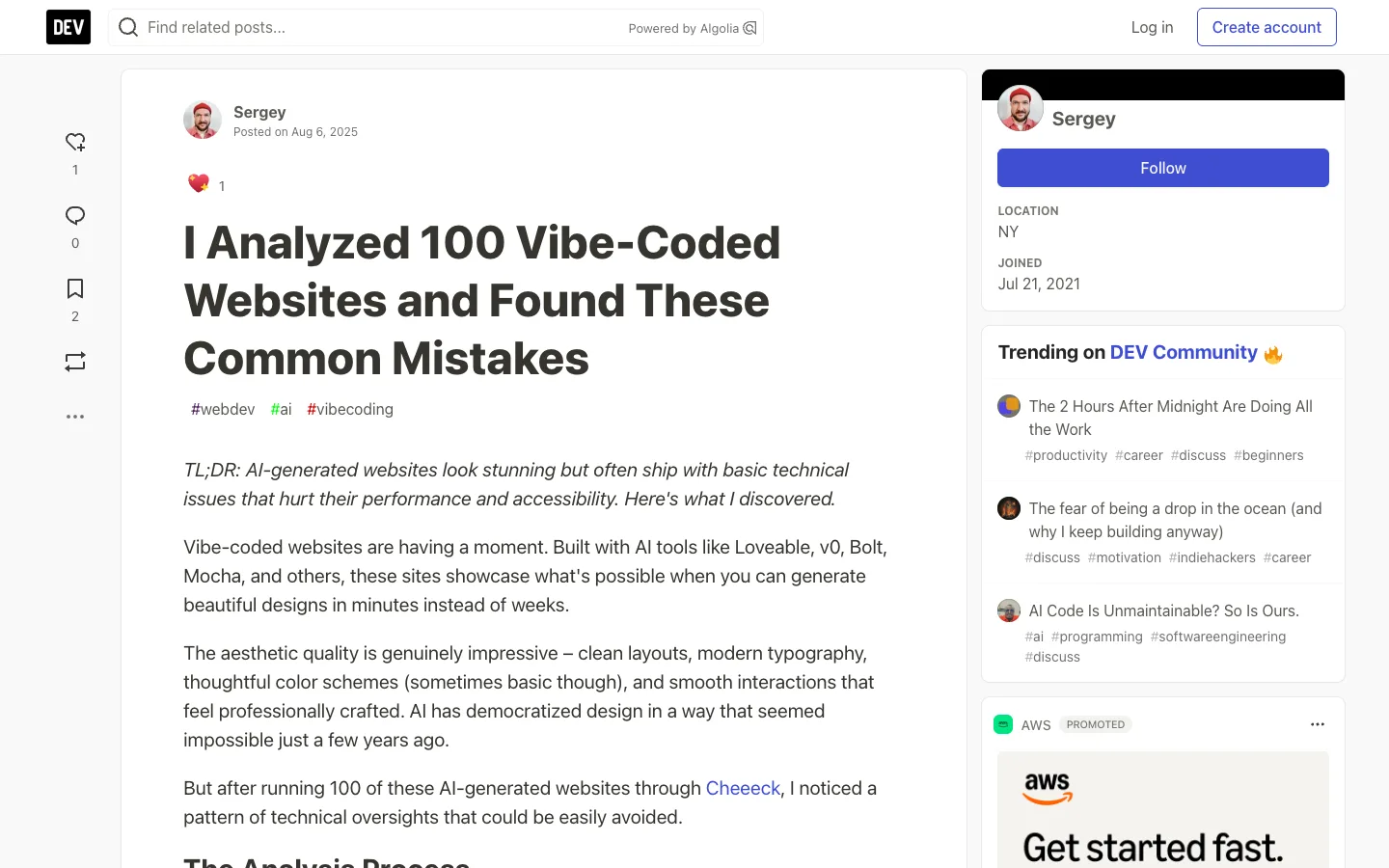
In August 2025, a developer ran 100 vibe-coded websites through an automated checker and found the same problems over and over. I see the same list in the AI-built pages founders send me for audits. None of these show up when you look at your own homepage. All of them cost you signups, search traffic or both.
1. Broken share previews
The audit's first finding: the majority of sites had missing or incomplete Open Graph tags. Those are the og:title, og:description and og:image lines that decide what shows up when someone pastes your link into LinkedIn, Slack or WhatsApp.
For a lot of founders, that's where early traffic comes from. A grey box with a raw URL gets skipped.
Check: paste your URL into LinkedIn's Post Inspector. Fix it with a 1200×630 share image and a real title and description.
2. Images with no alt text
Screen readers announce them as "image" or read out the file name. Google image search can't place them. WCAG 1.1.1 requires a text alternative for every meaningful image.
Check: run Lighthouse in Chrome DevTools. It lists every image missing alt text.
3. Headings that skip levels
An H1, then straight to H4 because the H4 was the right size. Or a styled div pretending to be a heading. Both break the outline that screen readers and search engines use to understand the page.
Check: one H1 per page, then H2, then H3. Style them any way you like, but keep the order.
4. The default favicon
A browser tab with the builder's logo, or a blank square, tells every visitor this was shipped in a hurry. The audit found a surprising number of sites still running a default or placeholder icon.
Check: open your site in a new tab and look at it next to your other tabs.
5. A copyright year from 2024
The audit found sites, especially Lovable-built ones, still showing a 2024 copyright. Small thing. But a visitor who notices wonders what else hasn't been touched since.
Check: scroll to your footer. Set the year to update automatically, or delete it.
6. Mobile that half works
Missing viewport tags, tap targets too small to hit with a thumb, layouts that don't reflow. In Unbounce's benchmark, 83% of landing page visits came from mobile. That's most of your traffic on the version you tested least.
Check: open the page on your phone and try to tap every button. WCAG 2.2 sets a 24×24 pixel minimum for targets.
7. A hero image the size of a movie
AI builders love a full-bleed hero. They don't compress it. A 4MB image above the fold pushes your Largest Contentful Paint past the 2.5-second line Google calls good.
Check: run PageSpeed Insights. Convert the hero to WebP and keep it under 200KB.
8. Generic titles and meta descriptions
"Home." "Landing page." Or no meta description at all, so Google writes its own from whatever text it finds first. That's your first impression in search, and you didn't write it.
Check: view the page source and search for <title> and description. Write both like ad copy, because they are.
9. No structured data
The audit also flagged little or no structured data. Schema markup tells search engines what your page is: a product, an organization, an FAQ. Without it you're relying on guesswork.
Check: paste your URL into Google's Rich Results Test. Add Organization schema at minimum.
10. Three CTAs fighting in the hero
This one comes from my own audits. AI builders default to "Start free," "Book a demo" and "Watch video" side by side, because that's what the average SaaS page does.
Unbounce's analysis of 18,639 landing pages found single-CTA pages averaged 13.5% conversion, against 10.5% for pages with five or more links. Pick one action. Make the rest text links.
The 10-minute check
| Issue | How to check | Fix |
|---|---|---|
| Share preview | LinkedIn Post Inspector | Add og:title, og:description, 1200×630 og:image |
| Alt text | Lighthouse accessibility audit | Describe every meaningful image |
| Heading order | Lighthouse or a headings extension | One H1, no skipped levels |
| Favicon | Look at the browser tab | Upload your own icon |
| Copyright year | Scroll to the footer | Auto-update it or remove it |
| Mobile | Tap every button on your phone | Viewport tag, 24×24px minimum targets |
| Hero weight | PageSpeed Insights | WebP, under 200KB, LCP under 2.5s |
| Title and description | View source | Write both like ad copy |
| Structured data | Rich Results Test | Organization schema at minimum |
| CTA count | Count the buttons in your hero | One primary action |
You can also hand this list to the AI that built the page. This is the prompt I'd paste:
Audit this landing page against these 10 checks:
1. Open Graph tags: og:title, og:description, 1200x630 og:image
2. Alt text on every meaningful image
3. Heading order: one H1, no skipped levels
4. A custom favicon
5. Copyright year that updates itself
6. Viewport tag, tap targets at least 24x24px
7. Hero image in WebP, under 200KB
8. A unique meta title and description
9. Organization schema
10. One primary CTA in the hero

List what fails. Fix each one and show me the diff before you apply it.
It'll get most of them. Then do the phone test yourself, because no checker tells you whether the page feels right in your hand.
Any statistics cited in this post come from third‑party studies and industry reports conducted under their own methodologies. They are intended to be directional, not guarantees of performance. Real outcomes will depend on your specific market and execution.

What are the most common mistakes on AI-generated websites?
Missing Open Graph tags that break share previews, images without alt text, skipped heading levels, default favicons, outdated copyright years, poor mobile layouts, heavy hero images, generic meta tags and no structured data.
How do I check if my landing page share preview works?
Paste your URL into LinkedIn's Post Inspector. If the image or title is missing, add og:title, og:description and a 1200×630 og:image to the page head.
Are Lovable and Bolt sites bad for SEO?
Not by default, but they often ship without the basics: meta descriptions, structured data, alt text and a proper heading order. Check each one before you send traffic to the page.
How fast should my landing page load?
Google considers a Largest Contentful Paint under 2.5 seconds good. A compressed hero image under 200KB in WebP gets most pages there.
Can AI fix the problems it created on my landing page?
Mostly. Paste a checklist like this one into the tool that built the page and ask it to fix each item and show you the changes. Test the mobile version on your own phone afterward, because automated checks miss how the page feels.