What is DESIGN.md?
Think of it like a brand bible for AI.
You know how every company has a style guide? Spotify's green. Apple's white space. Stripe's clean gradients. That style guide tells humans how to design on-brand. DESIGN.md does the same thing, but written in a format AI tools understand directly.
The file has two parts. The first is the actual numbers: your exact colors, font choices, sizes, spacing values, how rounded your corners are. The second part is the rules: when to use those values and when not to. "Use the primary button color once per screen." "Never stack two CTAs." "Always use sentence case on button labels." The rules are what turn a list of values into a design system.
Meng To, the designer behind Aura and Neuform, describes it simply: "The design.md is the recipe. The HTML is the finished dish." The recipe tells the AI how to cook. You can also think of it as design memory. Drop the file into any project and your visual identity travels with you, from one tool to the next, from web to mobile to motion design.
Here's a small section from the official Google spec so you can see what it actually looks like:
---
name: Heritage
colors:
  primary: "#1A1C1E"
  secondary: "#6C7278"
  tertiary: "#B8422E"
  neutral: "#F7F5F2"
typography:
  h1:
    fontFamily: Public Sans
    fontSize: 3rem
  body-md:
    fontFamily: Public Sans
    fontSize: 1rem
---
## Overview
Architectural Minimalism meets Journalistic Gravitas.
The UI evokes a premium matte finish, a high-end broadsheet.

## Colors
Use the primary color for headlines and core text only.
Never use the accent color (#B8422E) as a background.
The top section (between the --- markers) is the values the AI reads precisely. The text below is context: why these colors exist, what mood they create, where to apply them. Both matter! One is for precision, the other is for judgment calls.
Why is DESIGN.md useful?
Every AI tool that generates UI has the same blind spot. Ask Claude, Cursor, or Lovable to build you a landing page and you'll get the same output: clean layout, rounded cards, pastel backgrounds. A year ago, purple gradients felt fresh and exciting. That generic baseline is what every AI starts from when it knows nothing about your brand.
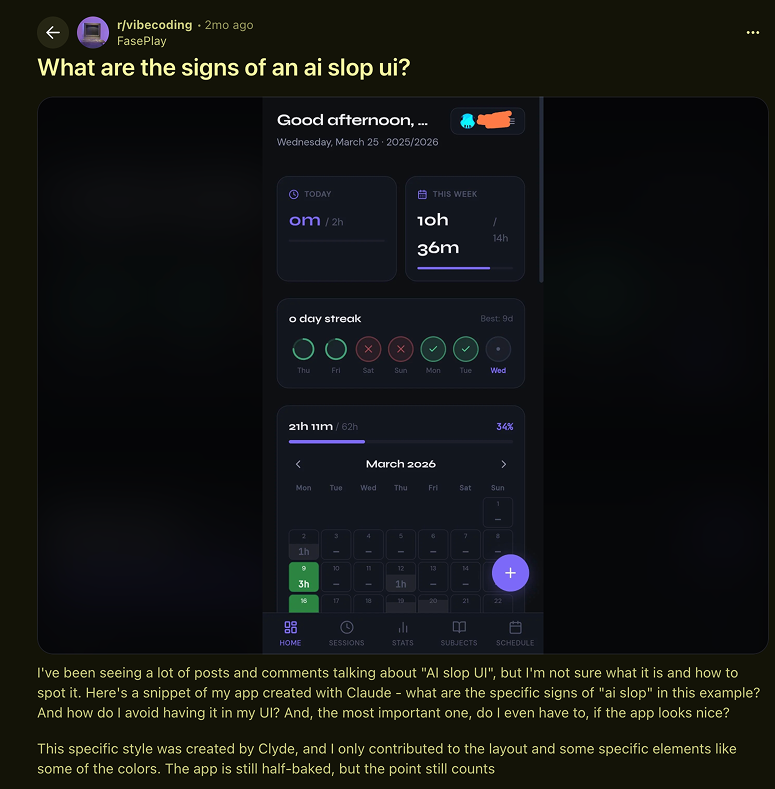
There's also a second problem that shows up after the first screen. Call it "design drift". You start strong, the first page looks right, then you move to page two and it starts to diverge. By page three you've got something that barely resembles where you started. The AI has no memory. Every prompt is the first prompt. You paste in your hex code, explain your font choice, describe the vibe, and then do it all over again on the next page.
DESIGN.md fixes both. You set the file once. Every generation reads it. The AI knows your palette, your type choices, your rules before it writes a single line.
How to use DESIGN.md?
Simpler than it sounds.
Step 1: Get a DESIGN.md file.
Download one that already matches the look you want (more on where below), generate one from your existing brand, or write one from scratch. Most people start with a pre-built one. One tip: when a library offers both a DESIGN.md and an HTML file, download both. The DESIGN.md carries the foundation (colors, typography, spacing). The HTML gives the AI a complete example of how those elements come together in practice. Both together produce a stronger first result than either alone.
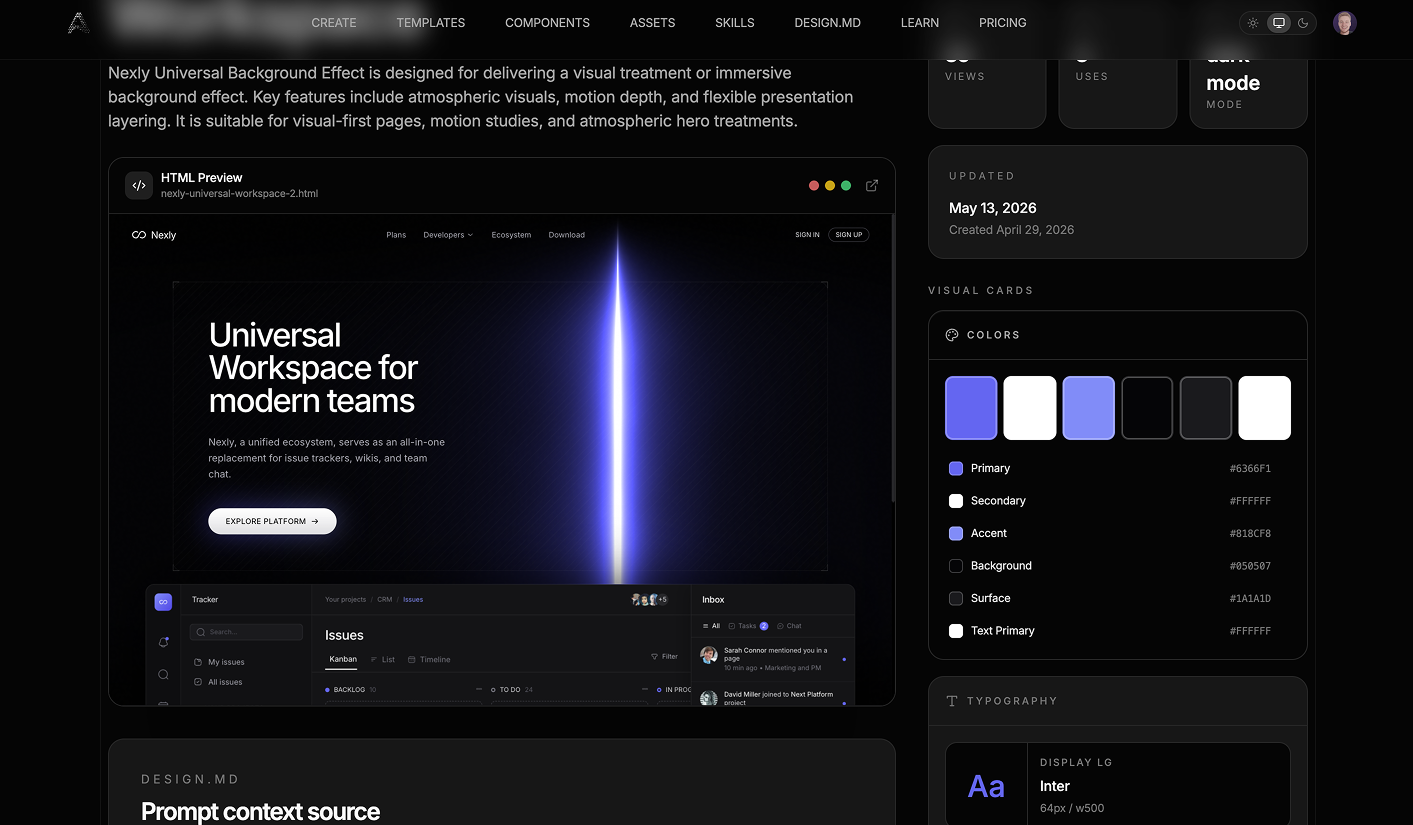
If you're using Stitch, there's a faster option: paste your existing website URL and Stitch scrapes it. It reads your live site, pulls the colors and type styles, and builds a DESIGN.md from what it finds. If your brand is already live somewhere, that's the quickest starting point of the three.
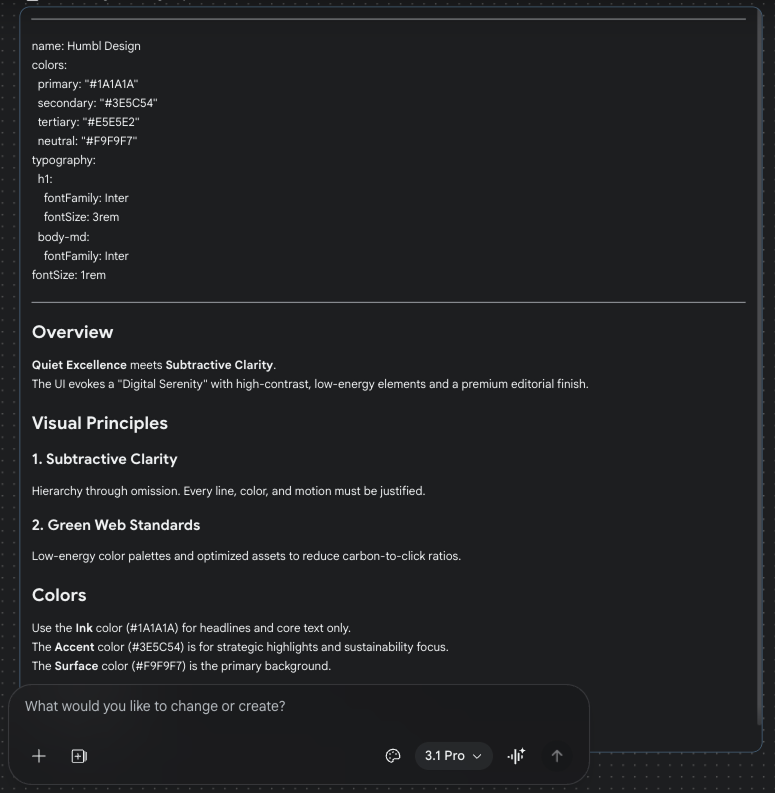
Step 2: Drop it in your project folder.
Same folder as your other project files. No configuration needed. AI tools that read your project files pick it up automatically.
Step 3: Reference it when you prompt.
DESIGN.md handles one layer: how things look. It doesn't know your business. It doesn't know your customers, your product, or what the page is supposed to do. That's a separate problem.
The fix is a second file. Call it context.md or brief.md, drop it in the same folder. Keep it short: what the company does, who the customer is, what the page's job is, any copy direction you care about. Then your prompt becomes: "Using the DESIGN.md and context.md in this project, build me a pricing page." Now the AI has both layers.
If you don't want to write the context file first, just ask the AI to interview you: "Before you build, ask me what you need to know." Let it pull the information out of you. Either way works. DESIGN.md alone isn't enough. Visual rules plus product context is what makes the output usable.
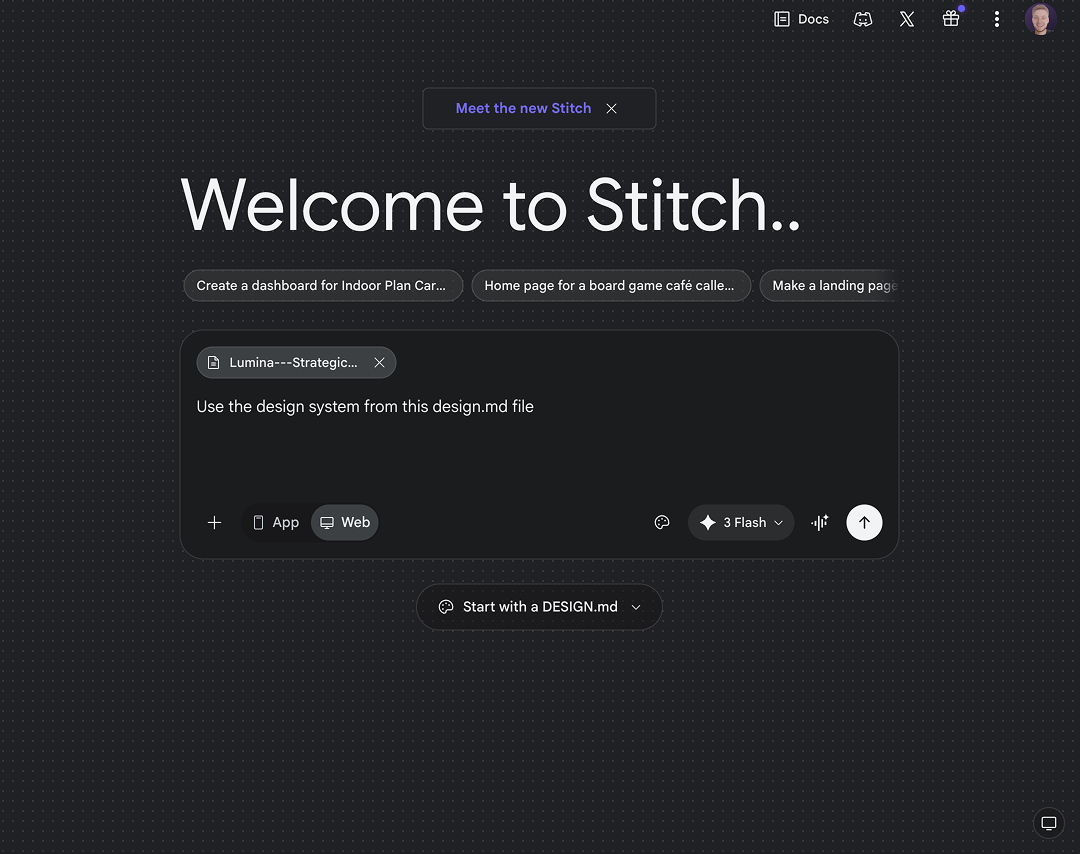
Step 4: For the tightest experience, use Stitch.
Google's AI design tool reads DESIGN.md natively. You don't have to mention the file in every prompt. It just runs in the background on every generation.
You can describe what you want in plain English and it translates that into actual design decisions. "Make this feel more like a trustworthy bank" or "this needs more energy." It adjusts. You don't have to know which hex code creates "trustworthy." That's its job.
Step 5: Keep it updated.
When your brand evolves, update the file. That flows through to every future generation automatically.
One tip that comes up constantly in practice: keep the file short. Long philosophical sections about brand values don't help the AI generate better buttons. "Never stack two primary CTAs on the same screen" is useful. "Our brand represents modern optimism" is not. Treat it like a config file, not a brand manifesto.
Where to get the best ones
You don't need to write a DESIGN.md from scratch. There are already hundreds of free ones available, built from real brand design systems.
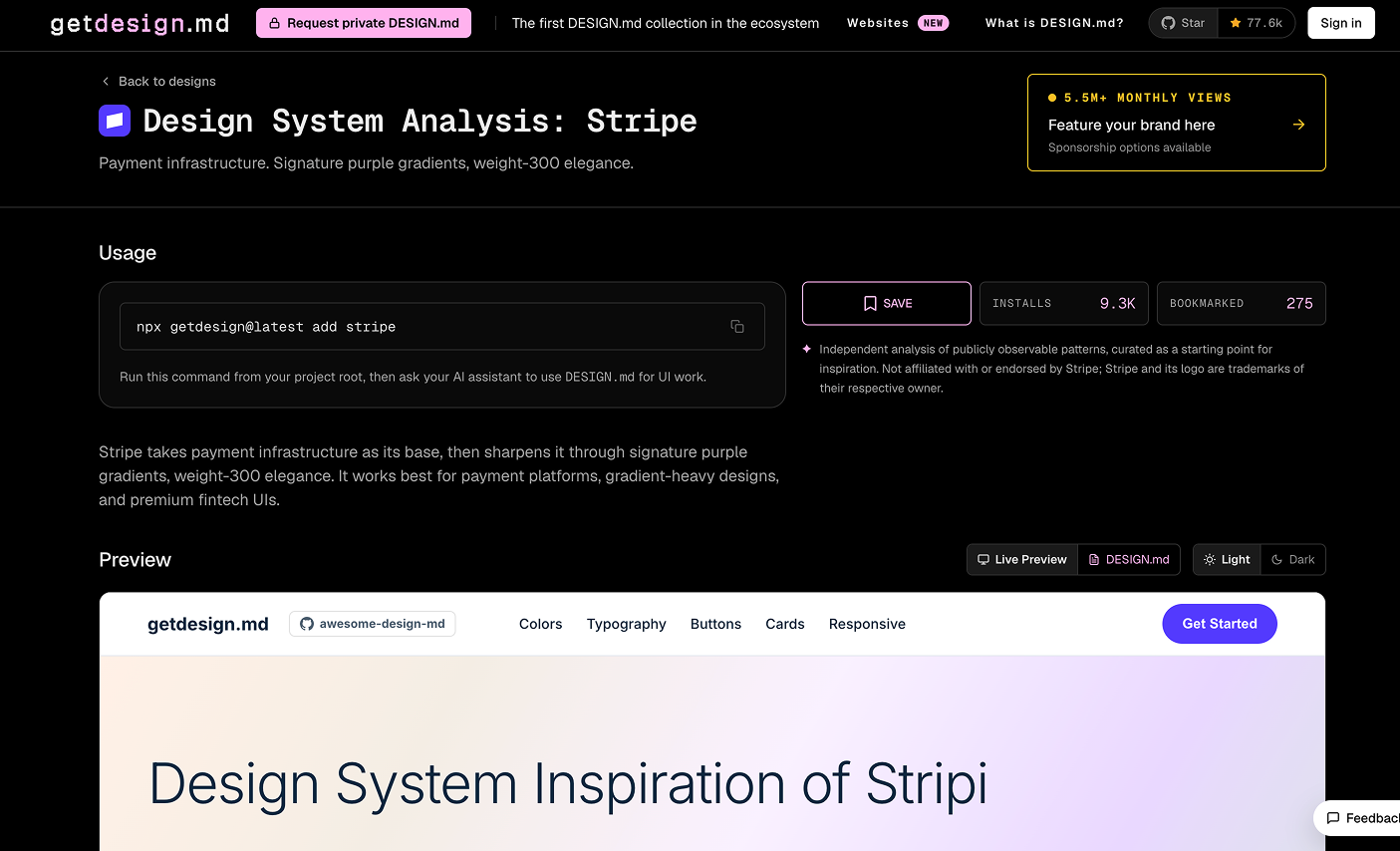
getdesign.md is the best library right now. 71 production-quality files, all free. Browse by brand, download the file, drop it in your project. A few standouts worth knowing:
- Stripe. Lightweight typography, clean purple gradients, generous white space. The default look for premium SaaS. One of the most imitated UI styles in the industry.
- Linear. Ultra-minimal, purple accent, precise. A solid baseline for any B2B product that needs to feel fast and sharp.
- Notion. Warm, editorial, serif headings. Good starting point for content-heavy products or anything that needs to feel approachable.
- Vercel. Black and white, zero decoration, tight spacing. Strong for developer tools and anything where you want clean to do the work.
- Revolut. Dark interface, gradient cards, fintech precision. Starting point for financial products or anything that needs to feel secure and modern.
- Spotify. Bold green on dark, big typography, image-driven energy. Useful for consumer apps that need personality.
- Apple. Premium white space, restrained type scale, photography-first. High-end consumer feel. Hard to go wrong with it as a base.
- Framer. Bold black and blue, motion-forward. Good for creative studios, agencies, design tools.
Neuform.ai is built by Meng To, a designer who's spent the last year building workflows around DESIGN.md specifically. Instead of browsing a library, you prompt Neuform to generate a landing page and then export the DESIGN.md from what it made. 400+ design systems, all free. Worth using if you want something custom or if you'd rather see the design before committing to the system behind it.
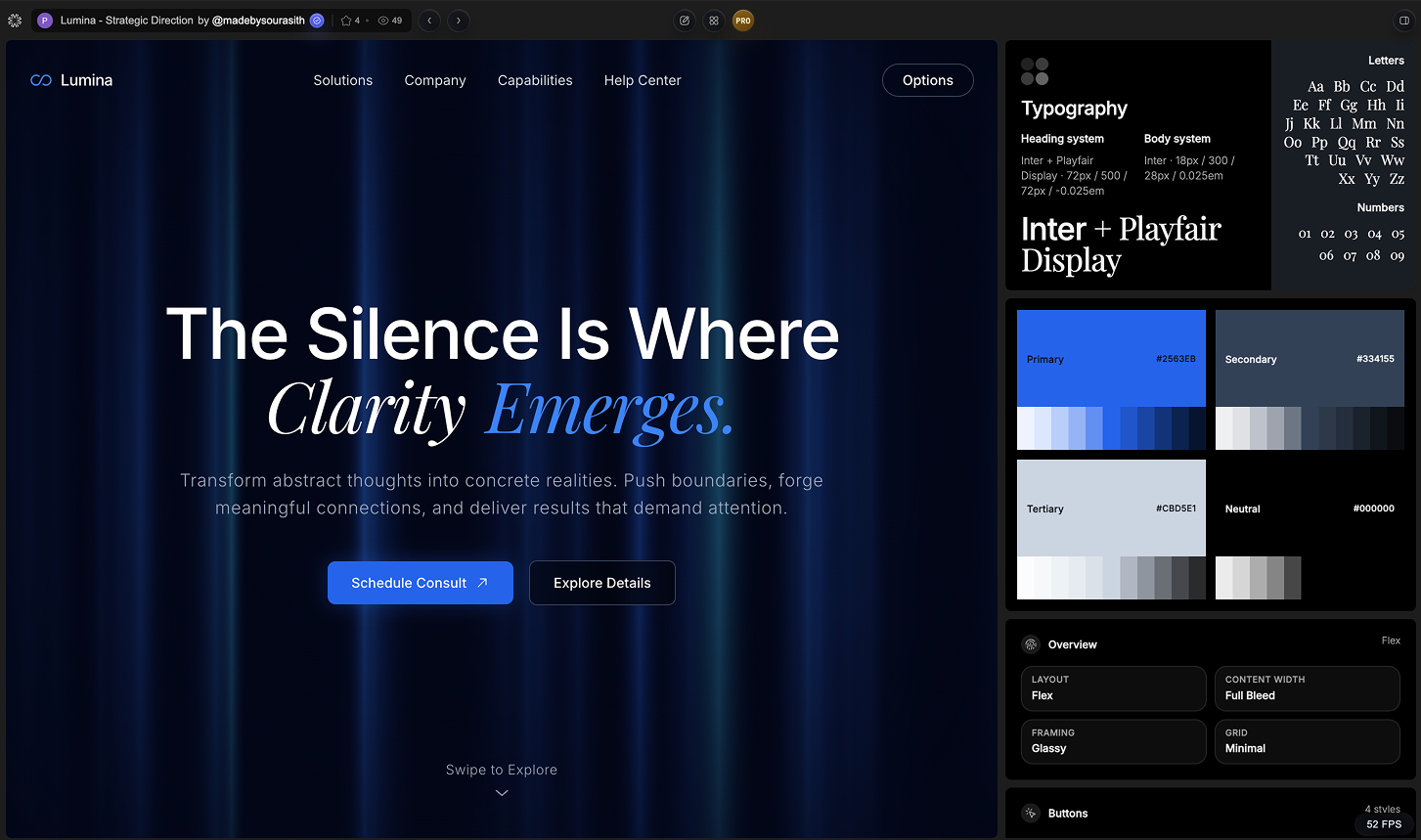
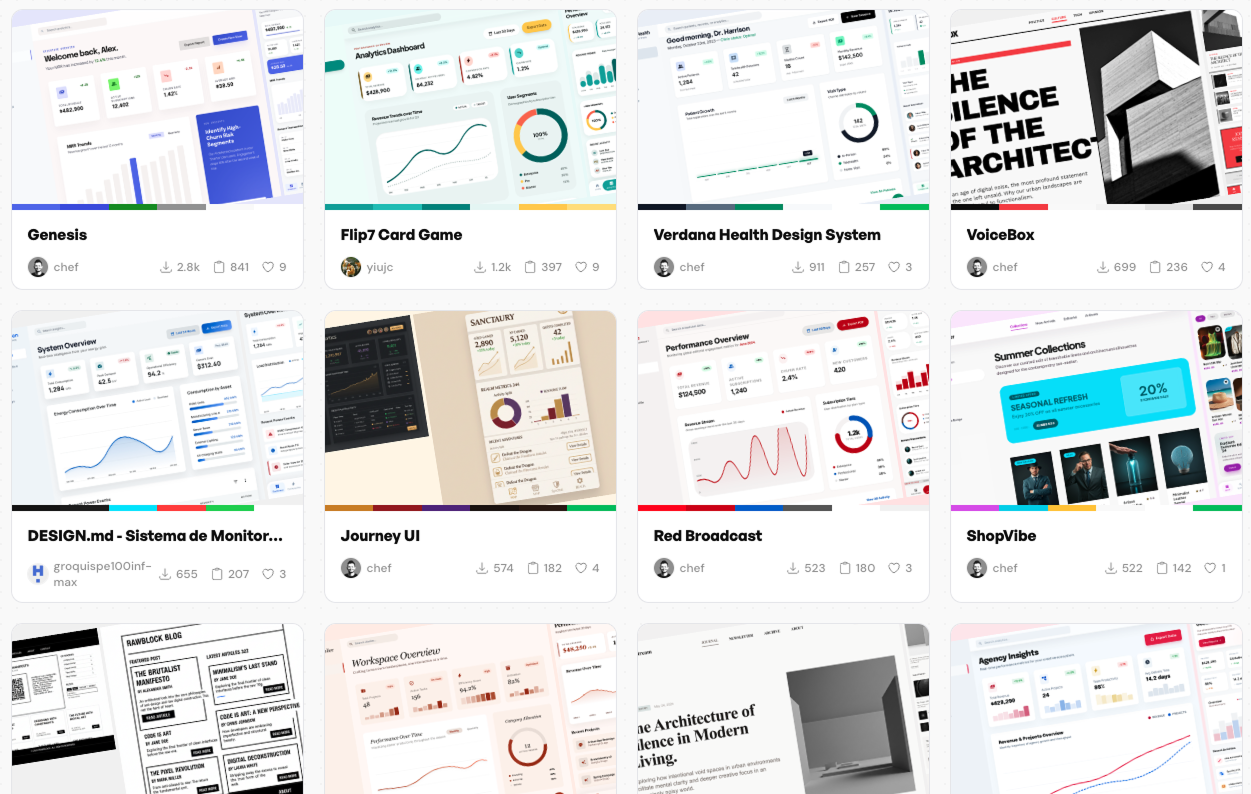
Aura.build is also Meng To's work. It's an AI website builder with design systems built in, used by 166,000+ people. Good if you want to go from zero to a live page without manually working with a text file.
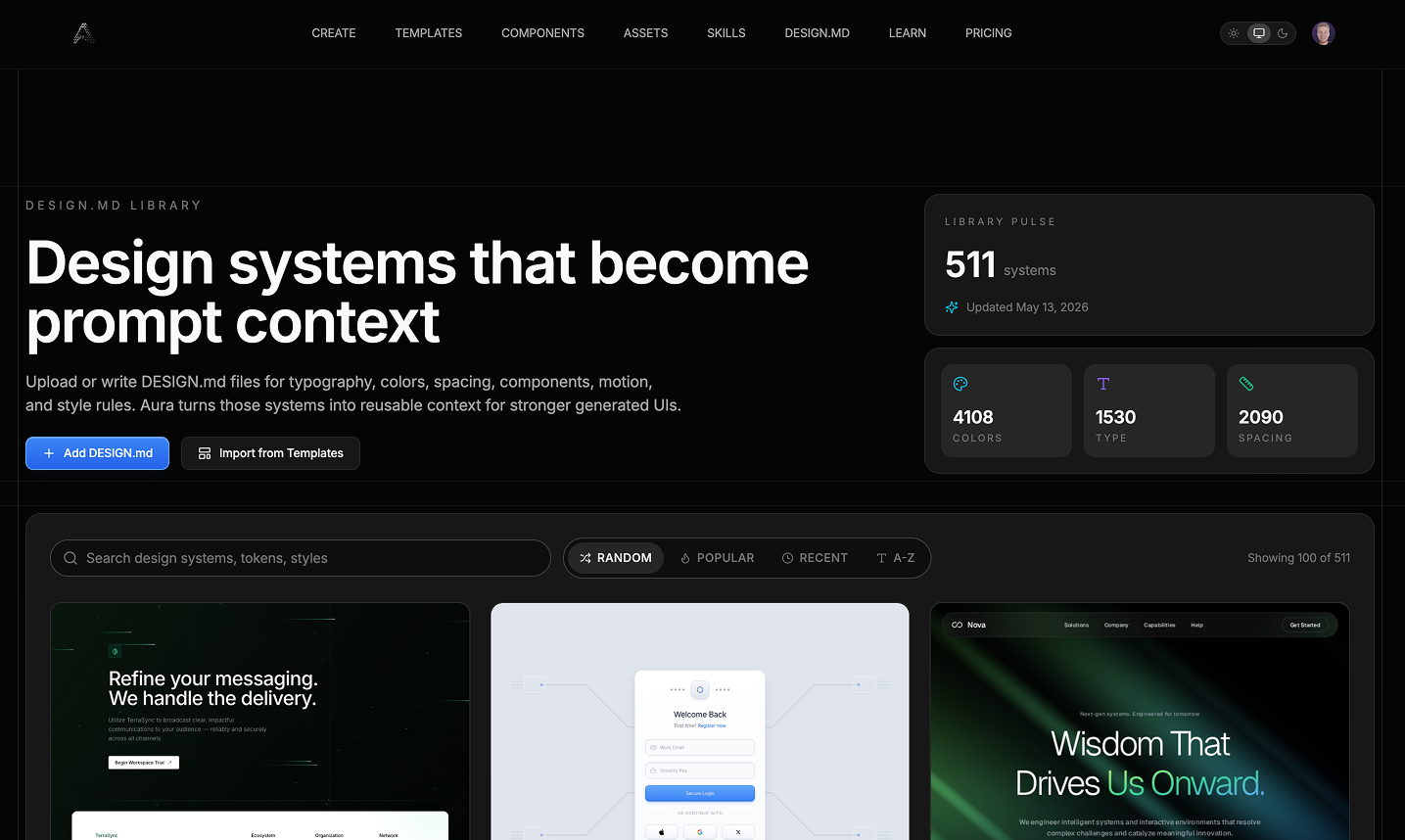
designmd.ai is a community library built specifically for use with Claude Code and Cursor. Free, grows constantly, organized by category.
How it differs from a style guide or brand kit
A PDF style guide tells humans what your brand looks like. A Figma component library gives designers the pieces to build with. Both are made for human readers.
DESIGN.md is written in plain text that AI tools read directly. No plugin, no conversion, no translation layer. You drop the file in a folder and the AI can use it immediately. And if your design system already lives in Figma, you don't have to start from scratch. Stitch can export your Figma variables directly to a DESIGN.md file.
And it carries the rules for using your brand. A style guide says your primary color is this specific shade of blue. DESIGN.md says "use this color on one call-to-action per screen, never more." That constraint is what makes the output actually on-brand. Without it, the AI has the color but no idea when to use it.
What's still rough
The spec is in alpha. Google open-sourced it in April 2026 and it's still being refined. If you're building something, just know the spec could change under you.
Outside of Stitch, support is still early. Cursor and v0 don't natively read DESIGN.md yet. The workaround, dropping the file in your project folder and referencing it in your prompts, works fine, but it's a manual step rather than something that runs automatically.
The written rules in the file are also only as good as the AI's ability to follow them. "Never stack two CTAs" is clear to you. Different AI tools will interpret that differently depending on the model.
These are real limitations. None of them make DESIGN.md not worth using. They're just worth knowing before you go all-in.
The bigger picture
README.md is a file that lives in every software project. Nobody sat down and decided that would happen. It just became the default because the pattern was useful and plain text was everywhere.
DESIGN.md is following the same path. A text file in your project folder that tells every AI tool your brand rules. Version-controlled, shareable, readable by both humans and AI. The spec is from Google but it's open-source and the community has already built hundreds of files on top of it in under a month.
Design systems used to live in Figma. More of that context is moving into text files that sit in project folders. That's the actual shift happening here, and it's happening faster than most people realize.
What to do this week
- Go to getdesign.md and pick a design system that matches the aesthetic you're going for.
- Download the file and drop it into your project folder.
- Use it in a prompt: "Using the DESIGN.md in this project, build me a [component or page]."
- If you want something custom, go to Neuform.ai, generate a page, and export the DESIGN.md from it.
- Once you have a version you're happy with, keep it in the project and update it as your brand evolves.
Sources
Google Labs — Introducing DESIGN.md and Stitch. https://blog.google/innovation-and-ai/models-and-research/google-labs/stitch-design-md/
Google — DESIGN.md GitHub specification. https://github.com/google-labs-code/design.md
Google Stitch — What is DESIGN.md? (official docs). https://stitch.withgoogle.com/docs/design-md/overview
Meng To — Designer, Aura and Neuform (source for quotes and workflow insights). https://www.linkedin.com/in/mengto
getdesign.md — DESIGN.md library, 71 free files. https://getdesign.md/
Neuform.ai — AI design system generator. https://neuform.ai/
Aura.build — AI website builder with built-in design systems. https://www.aura.build/design-systems
designmd.ai — Community DESIGN.md library for Claude and Cursor. https://designmd.ai/
Department of Product — DESIGN.md explained: the format reshaping AI UI generation. https://departmentofproduct.substack.com/p/designmd-explained-the-format-reshaping
Design Project — What is the DESIGN.md file? https://designproject.io/blog/design-md-file/
Any statistics cited in this post come from third‑party studies and industry reports conducted under their own methodologies. They are intended to be directional, not guarantees of performance. Real outcomes will depend on your specific market and execution.
What is DESIGN.md?
DESIGN.md is a text file format open-sourced by Google Labs on April 21, 2026 that stores your brand's design system (colors, fonts, spacing, and usage rules) in a way AI tools can read directly. Drop it in your project folder and AI-generated UI follows your brand automatically. The spec is at github.com/google-labs-code/design.md.
Is DESIGN.md replacing Figma?
No. Figma is where your design decisions get made. DESIGN.md is where you document them for AI. The two serve different purposes, and Figma still wins on real-time collaboration, component libraries, and anything that requires a visual design canvas. DESIGN.md attacks a different problem entirely.
How is DESIGN.md different from design tokens?
Design tokens are the raw values: hex codes, font sizes, spacing numbers. DESIGN.md contains those values plus the rules for when to use them. Tokens give the AI your primary color. DESIGN.md tells it "use this color on one call-to-action per screen, never more." The rules are what make the output actually on-brand.
Can I use DESIGN.md with Claude or Cursor?
Yes. Drop the file in your project folder and mention it in your prompt. Both tools read project files as context. If you want a tighter integration where you don't have to mention it every time, Google's own tool Stitch reads it automatically.
Is DESIGN.md ready to use now?
For AI-assisted projects and prototyping, yes. The format is in alpha, meaning Google is still refining it, but hundreds of pre-built files are already available and working today. If you're building something production-critical, keep an eye on updates. For everything else, start using it now.