
In April, Google open-sourced DESIGN.md. In October, Figma launched Specs. Both put your design rules into a Markdown file an AI reads before it builds anything.
They solve the same problem from opposite ends. DESIGN.md lives in your code. Specs lives on your canvas. Pick the one that matches where your team works, or you'll end up keeping two rulebooks in sync by hand.
What DESIGN.md is
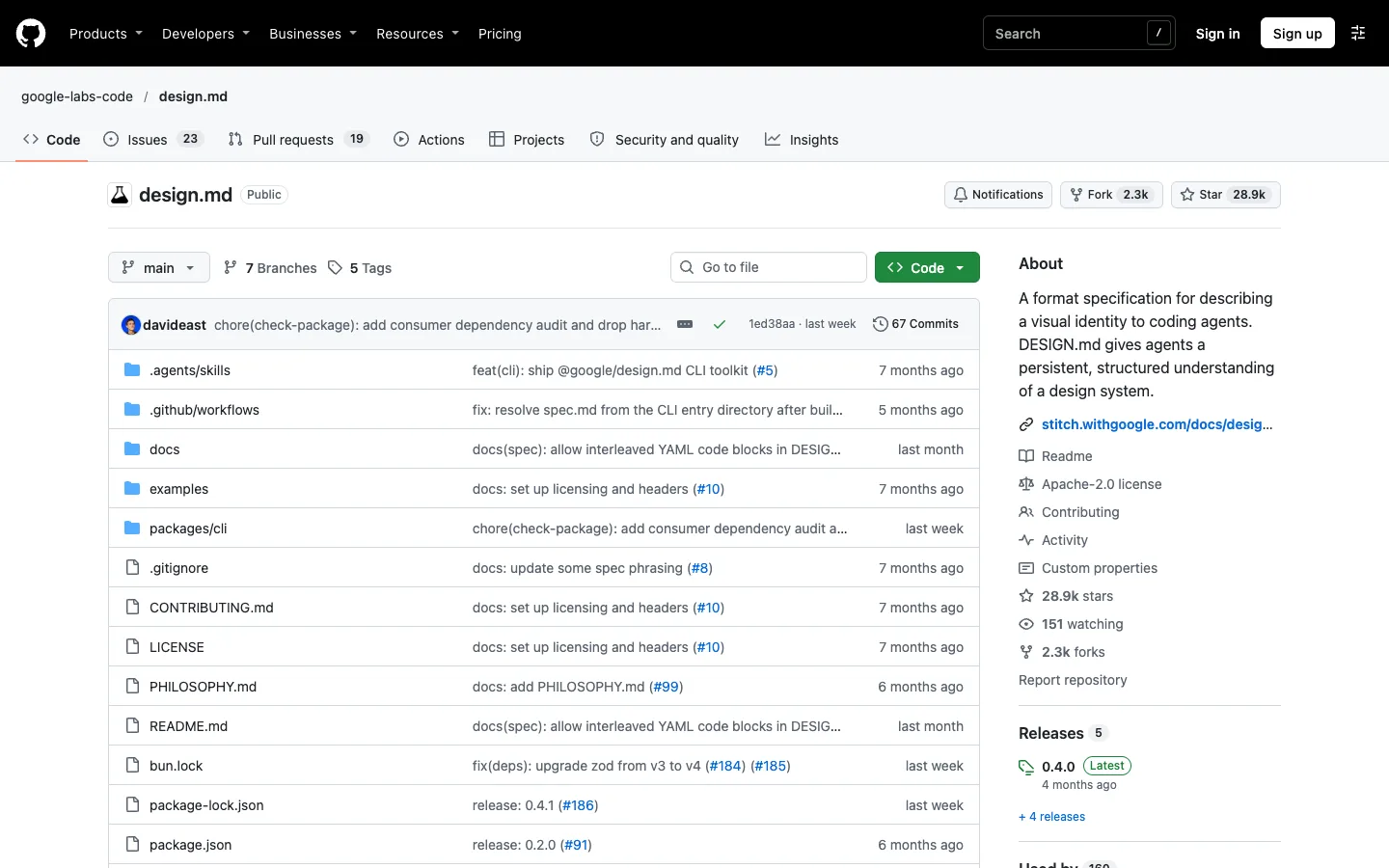
DESIGN.md is a plain text file that sits in your project folder. I covered it in depth here, so the short version:
- The top of the file holds your tokens: colors, type, spacing, radius.
- The rest is written rules. "One primary button per screen." "Never use the accent color as a background."
- Google ships an official CLI that lints the file, checks WCAG contrast and exports tokens to Tailwind.
- Google Stitch reads it natively. Claude Code and Cursor read it once you point them at it.
It's open source and tool-agnostic. You own the file, you version it in Git, and any AI that can read text can use it.
What Figma Specs is
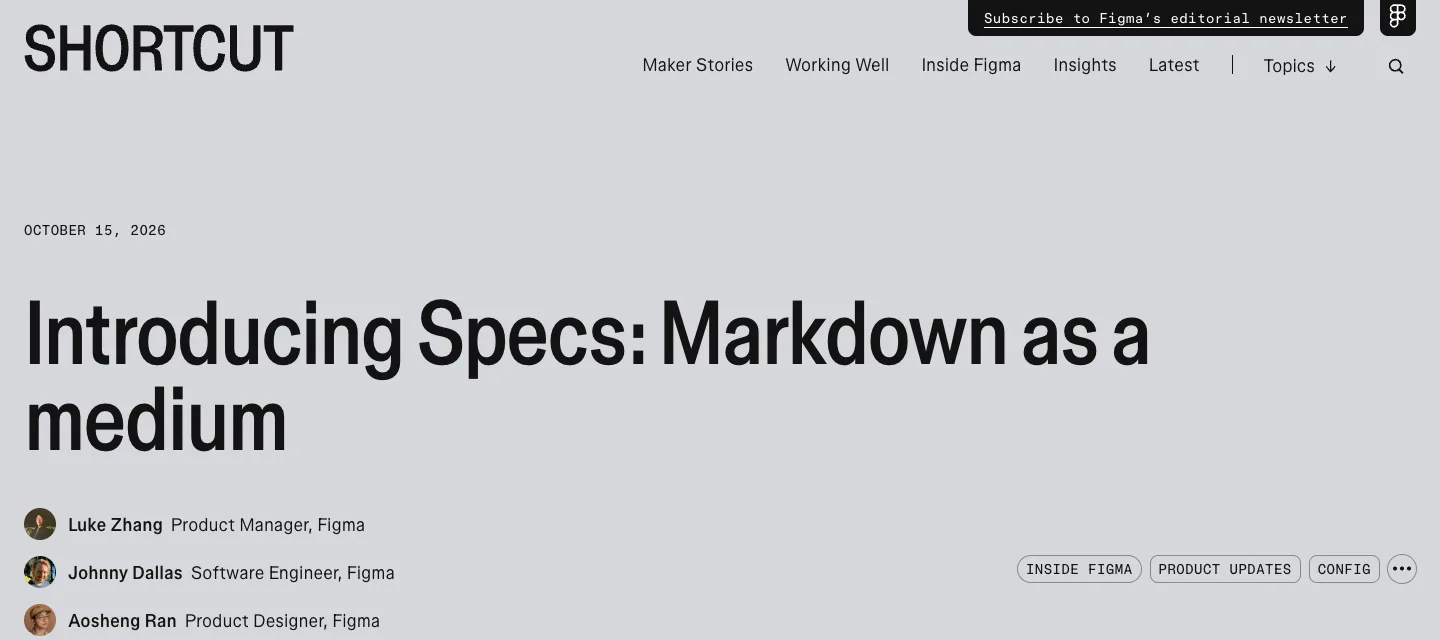
Specs is a Markdown editor inside Figma. Figma announced it on October 15 at its first Config India, and it's in open beta on all plans.
- Press D on the canvas to create a spec, or drag any .md file onto the canvas to turn it into one.
- A spec sits next to the work it describes. You can embed frames, FigJam boards and code layers inside it.
- The Figma agent can edit a spec, answer comments in it and document how components get used.
- Coding agents read a spec as Markdown through Figma's MCP server. Paste the spec's link into your prompt and the agent pulls it in with the linked context.
Figma's pitch is that the rules and the designs live in the same place, so they can't drift apart.
Side by side
| DESIGN.md | Figma Specs | |
|---|---|---|
| Lives in | Your repo, next to the code | The Figma canvas, next to the designs |
| Who edits it | Whoever has the repo, usually dev-leaning | Anyone in the Figma file, plus the Figma agent |
| Who reads it | Stitch natively, Claude Code and Cursor via setup | Figma agent natively, coding agents via Figma MCP |
| Tokens | Structured YAML the CLI can lint and export | Lives with your Figma components and libraries |
| Version history | Git | Figma file history |
| Status | Open spec in alpha, CLI at v0.4.0 | Open beta since October 2026 |
| Cost | Free, open source | Available on all plans during open beta |
The same rule, written both ways
Say your rule is one orange button per screen. In DESIGN.md, the color goes in the token block and the rule goes underneath:
---
colors:
  primary: "#FF5A1F"
---
## Buttons
Use primary for one button per screen.
Every other action is a text link.
In a spec, you'd write the same two lines of Markdown next to your button component, with the frame embedded right under them. The orange itself stays in your Figma library.
Same rule. The difference is who sees it while they work: your coding agent, or your designers.
Pick DESIGN.md if your product ships from code
Plenty of early-stage founders build in Claude Code, Cursor or Lovable and rarely open Figma after the first week. For them, the rulebook belongs in the repo.
The AI reads it on every run. The file goes through the same review as the code. And when you switch tools next year, the file comes with you.
Pick Specs if your designers live in Figma
If you have a design team, a component library in Figma and engineers who pull from it, Specs is the better home. The rules sit beside the components they describe, designers can edit them without touching Git, and the Figma agent follows them while it works.
The catch: your coding agent now depends on Figma's MCP to see the rules. That's one more connection to set up and keep working.
Don't run both as equals
You can drag a DESIGN.md into Figma and get a spec. That's handy for a one-time import. It's a bad idea as an ongoing setup, because the day someone edits the copy in Figma, you have two rulebooks that disagree, and the AI follows whichever one it happens to read.
Choose one owner. If you need the other, generate it from the owner and never edit it directly.
What I'd check before betting on Specs
It's a month-old beta, so a few things are still open:
- Price. Figma hasn't said what Specs costs after the beta.
- Your agent. Figma's announcement shows Codex reading a spec. Claude Code isn't mentioned, so test it with whatever you build in before you commit.
- Access. A spec lives inside a Figma file. A contractor or agent without access to that file sees nothing.
My take
I haven't run Specs on a client project yet. It's been in open beta for a month, and I'd rather not judge a beta on demos.
For most early-stage founders, DESIGN.md is the right default today. It's free, it's portable and it works with every tool they already use. If you're a Figma-first team with a real design system, test Specs on one feature and see whether the agent follows it better than your current docs.
Any statistics cited in this post come from third‑party studies and industry reports conducted under their own methodologies. They are intended to be directional, not guarantees of performance. Real outcomes will depend on your specific market and execution.

What is the difference between DESIGN.md and Figma Specs?
DESIGN.md is an open-source text file that lives in your code repo and holds your tokens plus written design rules. Figma Specs is a Markdown editor on the Figma canvas that sits next to your designs. Both give AI agents your design rules. They differ in where the file lives and who maintains it.
Can I import a DESIGN.md file into Figma Specs?
Yes. Figma lets you drag any .md file onto the canvas to turn it into a spec. Use that for a one-time import, then pick one file as the owner so the two don't drift apart.
Can Claude Code read Figma Specs?
Coding agents read specs as Markdown through Figma's MCP server. Figma's announcement shows Codex doing it. Any agent connected to the Figma MCP should be able to pull a spec from its link.
Is Figma Specs free?
Specs is in open beta on all Figma plans since October 2026. Figma hasn't published separate pricing for it.
Which should a startup without a designer use?
DESIGN.md. If your product ships from code built in Claude Code, Cursor or Lovable, the rules belong in the repo where the AI reads them on every run. It's free and works with every tool you already use.